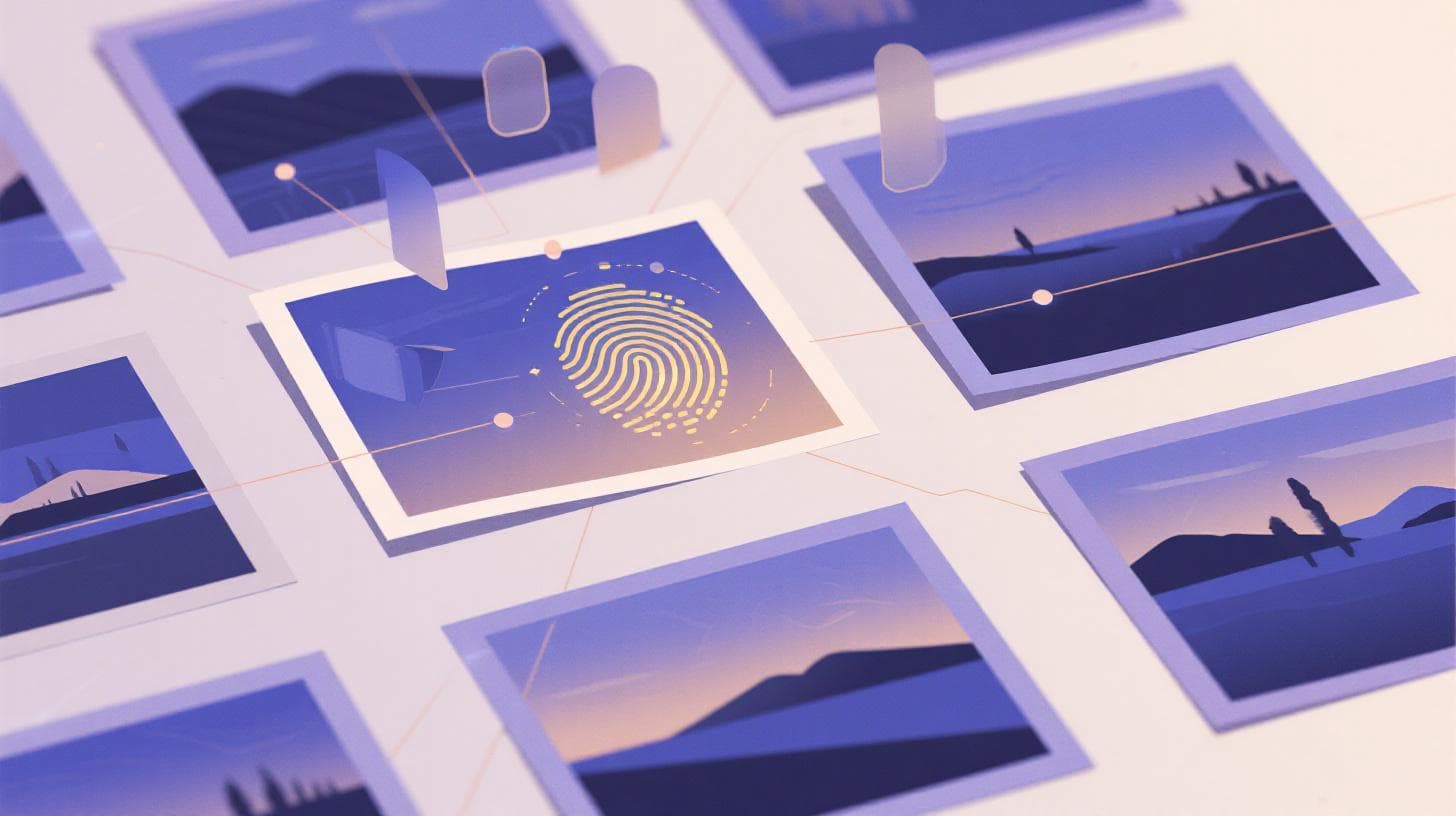
How Perceptual Hashing Finds Your Best Photo From Duplicates
You just got back from a weekend trip. You shot 400 photos. And now, scrolling through your camera roll, you're staring at 15 nearly identical shots of the same sunset, 12 versions of the same group photo, and a burst of 20 frames where your friend was mid-laugh. They all look the same, but they're not. One is slightly sharper. One has better lighting. One caught the perfect expression.
Finding that one best photo out of dozens of near-duplicates is tedious work. It's the kind of task that makes people abandon their photo libraries entirely. But there's a surprisingly elegant technology working behind the scenes to solve this problem: perceptual hashing. It's how tools like Photopicker can scan hundreds of photos, group the near-duplicates together, and automatically select the best version from each cluster.
Let's break down how this works, why it's different from what you might expect, and what happens after duplicates are found.
What Perceptual Hashing Actually Does (And Why Regular Comparisons Fail)
When most people think about finding duplicate files, they think about exact matches. Your computer can compare two files byte-by-byte and tell you if they're identical. This works great for documents or spreadsheets, but it falls apart completely with photos.
Here's why: take a single photo and resize it. Every byte in the file changes. Crop it slightly. Different bytes. Adjust the brightness by 1%. Different again. Save it as a JPEG instead of PNG. Completely different file. To a byte-level comparison, these are all unique photos. To your eyes, they're obviously the same image.
Perceptual hashing solves this by ignoring the file data entirely and focusing on what the image looks like . Instead of reading bytes, a perceptual hash algorithm analyzes the visual content of a photo and generates a compact fingerprint, typically just 64 bits long, that represents the image's visual structure.
The key insight is that visually similar images produce similar hashes, even if the underlying file data is completely different. Two photos taken half a second apart during a burst, one slightly brighter than the other, will generate hashes that are nearly identical. Meanwhile, two completely different photos will produce hashes with no meaningful similarity.
How the Fingerprint Gets Created
The most widely used approach is called pHash, short for perceptual hash. The pHash library documents the core technique, which works roughly like this:
Shrink the image to a tiny size, typically 32x32 pixels. This strips away fine details and forces the algorithm to focus on broad visual structure.
Convert to grayscale. Color information is discarded because two versions of the same photo with slightly different white balance should still match.
Apply a frequency transform. Specifically, a Discrete Cosine Transform (DCT) pulls out the dominant visual patterns in the image, similar to how JPEG compression works internally.
Extract the low-frequency components. These represent the large-scale visual structure of the image: where the bright and dark regions are, the general layout of shapes and contrast.
Generate a binary hash. Each component is compared to the average value. Above average becomes a 1, below average becomes a 0. The result is a compact string of bits.
This 64-bit fingerprint captures the essence of what the photo looks like. It's remarkably stable across resizing, minor cropping, brightness adjustments, and compression changes. And because the hash is so small, comparing thousands of photos against each other becomes computationally trivial.
There's also a complementary technique called dHash (difference hash), which works by comparing the brightness of adjacent pixels rather than using frequency analysis. It's simpler, faster, and particularly good at catching photos that differ only in small ways, like consecutive burst shots. Many robust duplicate detection systems, including the one Photopicker uses, combine both pHash and dHash to catch the widest range of near-duplicates.
Measuring Similarity With Hamming Distance
Once every photo has its hash, finding duplicates becomes a matter of comparing fingerprints. The comparison uses something called Hamming distance, which simply counts how many bits differ between two hashes.
If two 64-bit hashes differ by 0 bits, the images are perceptually identical. If they differ by 5 or fewer bits, they're almost certainly near-duplicates, perhaps the same scene with slightly different framing or exposure. If they differ by 20 or more bits, they're probably completely different photos.
This threshold-based approach is what makes perceptual hashing so powerful for real-world photo management. It doesn't demand perfection. It tolerates the messy reality of how people actually take photos: burst modes, slight camera movements, auto-exposure adjustments between frames, and minor composition shifts.
From Duplicate Groups to Picking the Winner
Finding near-duplicates is only half the problem. Once you know that 12 photos are essentially the same shot, you still need to figure out which one to keep. This is where perceptual hashing hands off the work to something more sophisticated.
The grouping process itself is called duplicate clustering. When you upload a batch of photos, the system computes perceptual hashes for every image, then compares them all against each other. Photos with Hamming distances below the threshold get grouped into clusters. Each cluster represents one "moment" or "shot" that you captured multiple times.
For smaller batches of up to a few thousand photos, every photo gets compared against every other photo directly. For larger collections, the system uses hash-prefix bucketing to narrow down comparisons, only checking photos whose hashes already share a partial match. This keeps the process fast even when you're working with thousands of images.
But here's where things get interesting. Within each cluster, the system needs to pick a winner. And perceptual hashing can't do that, because all the photos in a cluster are, by definition, visually similar. The hash says "these look alike" but it can't say "this one looks better ."
That's where AI scoring takes over. Each photo in a duplicate cluster gets evaluated across multiple dimensions: technical quality, aesthetic appeal, composition strength, sharpness, and exposure accuracy. These scores get combined into a composite rating using a weighted formula: 30% quality, 25% aesthetic, 20% composition, 15% sharpness, and 10% exposure.
The photo with the highest composite score within each cluster becomes the winner. The rest get flagged as duplicates with a scoring penalty applied, pushing them lower in your final ranked results.
If you're curious about what each of those scoring dimensions actually measures and how AI evaluates something as subjective as "aesthetic appeal," there's a detailed breakdown at What AI Photo Quality Scores Actually Measure Explained .
A Real-World Example
Imagine you uploaded 300 photos from a family gathering. The perceptual hashing step might identify 40 duplicate clusters. Maybe one cluster contains 8 nearly identical shots of your grandmother blowing out birthday candles. Seven of those have slight motion blur, closed eyes, or slightly off exposure. One frame caught the perfect moment: sharp focus on her face, candles glowing warmly, a genuine smile.
The AI scores that frame highest for sharpness and aesthetic quality. It becomes the cluster winner. Instead of scrolling through 8 versions trying to spot the differences yourself, you get the best one surfaced automatically, and the other 7 are deprioritized in your results.
This pattern repeats across every cluster. By the end, your 300 photos might be distilled down to 180 unique moments, each represented by its strongest version. The duplicates aren't deleted. They're still accessible. But the cognitive load of choosing between near-identical shots disappears entirely.
Why This Matters More Than Manual Culling
Professional photographers have been manually culling photos for decades. They load images into software like Lightroom, zoom to 100%, and flip between similar shots looking for the sharpest focus, the best expression, the cleanest composition. It works, but it's slow and mentally exhausting.
For everyone else, people sorting through vacation photos, parents organizing pictures of their kids, event coordinators processing hundreds of shots from a company retreat, manual culling simply doesn't happen. The photos sit in a camera roll or cloud folder, unsorted, because the effort required to find the best ones exceeds most people's patience.
Perceptual hashing changes that equation dramatically. The entire comparison process, even for hundreds of photos, takes seconds. You're not zooming in on pixels or flipping between tabs. The algorithm handles the tedious matching work, and the AI scoring handles the quality judgment.
Where Human Eyes Still Struggle
There's another advantage that doesn't get discussed enough: perceptual hashing catches duplicates that humans miss. When you're scrolling through a camera roll, you notice obvious duplicates, the three consecutive shots you took because you weren't sure the first one worked. But you often miss the subtler cases.
Maybe you took a photo, then walked five steps to the right and took another. Your brain registers these as "different shots" because you moved, but perceptually they're nearly identical, same subject, same lighting, same composition with a tiny perspective shift. Or maybe you took a photo, reviewed it on your camera screen, then took another one, but now 50 other photos are between them in your timeline. You'd never think to compare them.
Perceptual hashing doesn't care about sequence or timing. It compares every photo against every other photo based purely on visual content. It finds duplicates that are separated by hundreds of other images in your timeline. It catches the ones your eyes gloss over because they weren't taken back-to-back.
This is especially valuable for event photography, where you might take 500 or more photos across several hours. Without automated duplicate detection, the difference between a well-curated album and an overwhelming dump of images comes down to how much time someone is willing to spend sorting. Perceptual hashing removes that bottleneck.
The Tiered Results That Follow
After duplicate clustering and scoring, the photos get sorted into tiers. S-tier captures your top 10%, the standout shots with an overall score of 80 or above. A-tier covers the next 20%, strong images scoring 60 and up. B-tier fills the middle, and everything else falls into a pass category. Duplicate cluster losers receive scoring penalties that naturally push them toward lower tiers, even if the photo itself isn't bad. It just wasn't the best version of that particular shot.
This tiering system means you can jump straight to your S-tier results and find a curated set of your strongest, most unique photos without wading through redundant copies. If you want to explore further, the lower tiers are there. But most people find what they need in the top two tiers.
For anyone dealing with large photo collections, whether from a vacation, a wedding, or just years of accumulated camera roll clutter, this combination of perceptual hashing and AI scoring is the fastest path from "I have too many photos" to "Here are my best shots."
Try It on Your Own Photo Collection
The beauty of perceptual hashing is that it works on any collection of photos, regardless of how they were taken, when they were taken, or how disorganized they are. Burst shots from your phone, continuous shooting mode from a DSLR, screenshots that are nearly identical, event photos from multiple angles. It handles all of it.
If you've been putting off sorting through your photos because the task feels overwhelming, you don't need to do it manually. Photopicker lets you upload up to 500 photos at once (or up to 10GB) with no signup required. The system runs perceptual hashing to find duplicates, scores every image with AI across five quality dimensions, clusters the near-duplicates, picks the best version from each group, and ranks everything into tiers.
You'll see your results with watermarked previews on the free tier. If you want to download your ranked photos as a clean ZIP file, Starter and Pro plans unlock full-resolution downloads along with expanded upload limits for larger collections.
Stop scrolling through identical sunset photos trying to spot the sharpest one. Let perceptual hashing do the comparison, and let AI pick the winner. Your best photos are already in there. You just need the right tool to find them.