How to Choose the Best Photos for Your Portfolio Fast
You just finished a shoot. Maybe it was a client session, a personal project, or a full day of product photography. Now you're staring at hundreds of photos on your screen, and the excitement from shooting is quickly fading into the dread of selection. Which ones actually belong in your portfolio? Which ones just feel good because you remember the moment?
This is the bottleneck most photographers and creatives never talk about. The shooting part is fun. The culling part is where dreams go to take a very long nap. But here's the thing: your portfolio is only as strong as your weakest photo. Including even a handful of mediocre images dilutes the impact of your best work. And potential clients, editors, or collaborators often make snap judgments based on the first five to ten photos they see.
So how do you cut through hundreds or thousands of images and surface only the ones that truly represent your skills? That's exactly what we'll cover. Whether you're building a portfolio from scratch, refreshing an existing one, or trying to select standout images from a recent project, this guide gives you a practical framework for faster, smarter photo selection. And if you want to skip the manual labor entirely, tools like Photopicker use AI to score and rank your photos automatically, so the best ones rise to the top without hours of agonizing over thumbnails.
Let's get into it.
Why Most Portfolios Have Too Many Mediocre Photos
There's a psychological trap that almost every creative falls into when building a portfolio. Psychologists call it the "endowment effect," and it means we overvalue things simply because they belong to us. You took that photo. You remember the lighting setup, the tricky angle, the moment the subject finally relaxed. Of course it feels special. But your audience doesn't have that context. They see only what's in the frame.
This is why self-editing is so brutally difficult. You're not just evaluating an image. You're evaluating a memory. And memories are terrible curators.
The result? Portfolios that are twice as long as they should be, filled with images that are "pretty good" but not exceptional. A study by the photo community Behance found that projects with fewer, higher-quality images received significantly more engagement than those padded with filler. The signal-to-noise ratio matters. Ten stunning photos will always outperform fifty decent ones.
The "Would I Hire Me?" Test
Here's a simple mental exercise: imagine you're a client seeing your portfolio for the first time. You have about 30 seconds of attention. Would you hire you? If a photo doesn't make someone stop scrolling, it shouldn't be there.
This sounds harsh, but it's liberating once you internalize it. You're not deleting bad memories. You're curating a professional impression. The photos that don't make the cut still exist on your hard drive. They just don't belong in the showcase.
A practical rule of thumb: for every 100 photos you shoot, aim to include no more than 5 to 10 in your portfolio. That's a 5 to 10 percent selection rate. If that sounds aggressive, consider that professional photographers at agencies like Magnum have described similar ratios. The great Henri Cartier-Bresson was famously ruthless about editing his contact sheets.
The challenge, of course, is doing this quickly and consistently. Which brings us to building an actual system for it.
A Practical Framework for Faster Photo Selection
Random scrolling through your photo library and starring images based on gut feeling is not a system. It's a recipe for inconsistency and wasted time. Instead, try a structured, multi-pass approach that narrows your selection with each round.
Pass 1: The Rapid Elimination Round
Start by removing the obvious rejects. These are technically flawed images: out of focus, badly exposed, poorly timed, or with distracting elements you can't crop out. Don't deliberate. If the image has a clear technical problem, it's out.
This pass should be fast. Spend no more than one to two seconds per image. You're not looking for winners yet. You're just clearing the noise.
For most shoots, this first pass alone should eliminate 40 to 60 percent of your images. Suddenly, a 500-photo shoot becomes a 200-photo shortlist, and the task feels much more manageable.
Pass 2: Scoring on Core Quality Metrics
Now the real work begins. For the remaining images, evaluate each one against five key criteria:
Sharpness : Is the intended subject tack-sharp where it matters? Soft focus can be intentional, but accidental softness is a portfolio killer.
Exposure : Is the tonal range well managed? Are highlights blown or shadows crushed in a way that hurts the image?
Composition : Does the frame guide the viewer's eye? Is there a clear subject with purposeful placement?
Aesthetic appeal : Does the image evoke a feeling? Does it have a mood, a color palette, or a visual rhythm that draws you in?
Technical quality : Resolution, noise levels, color accuracy, and overall polish.
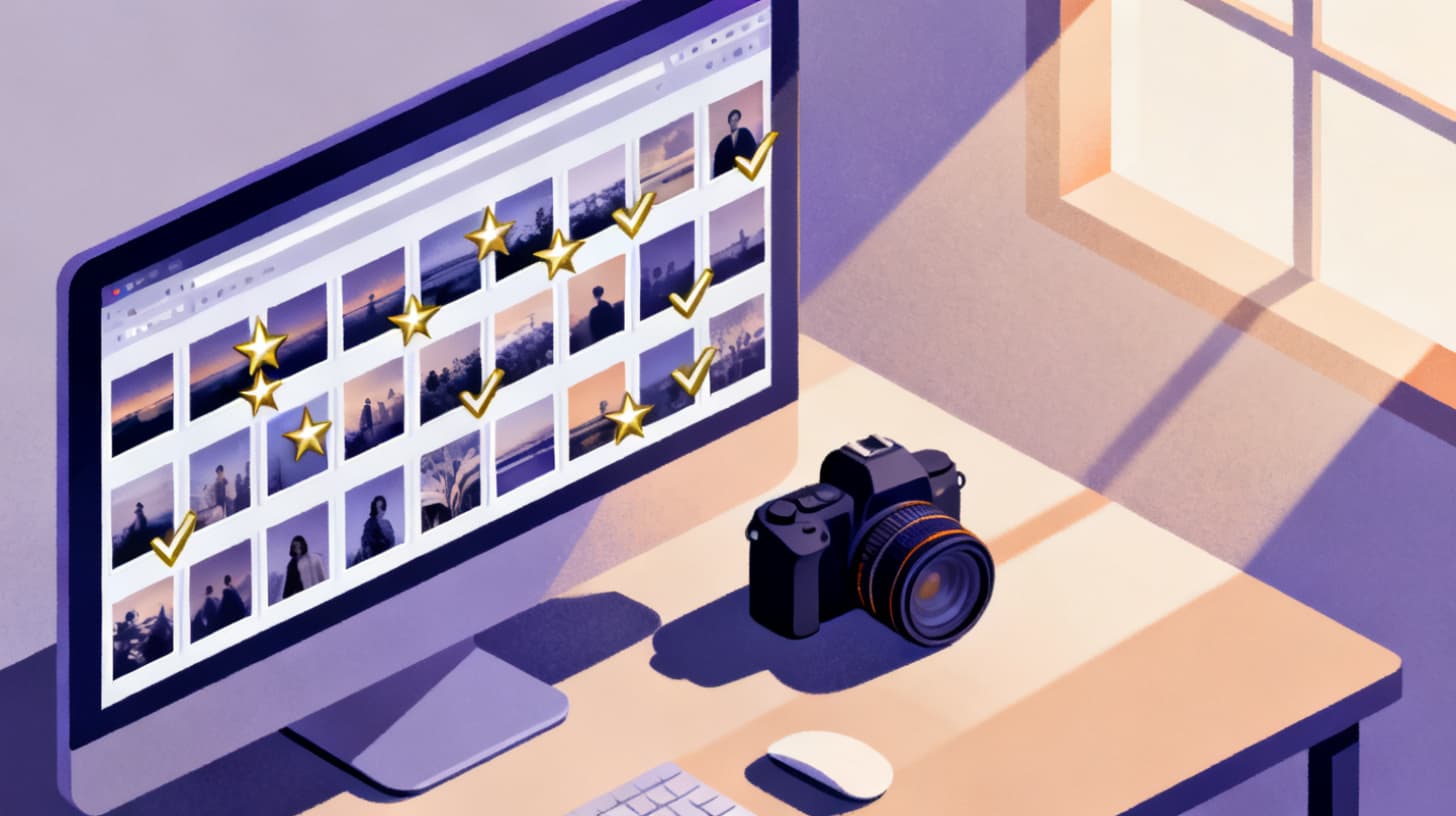
This is where things get time-consuming if you do it manually. Rating each photo on five separate dimensions, multiplied by a few hundred images, easily turns into a full day of work. This is also exactly the kind of repetitive analytical task that AI handles remarkably well. Photopicker scores every uploaded photo across these exact dimensions using AI, then ranks them into tiers so you can see your S-tier (top 10%) and A-tier (top 30%) images instantly. Instead of spending six hours on your second pass, you spend six minutes reviewing AI-generated rankings.
Pass 3: The Narrative and Variety Check
Once you have your top-ranked images, resist the urge to just grab the highest-scoring ones and call it done. A portfolio isn't a "best of" highlight reel in the way a greatest hits album is. It needs to tell a story about who you are as a creative.
Ask yourself these questions about your shortlist:
Is there variety in subject matter? Five incredible headshots still only show one skill.
Is there range in technique? Show that you can handle different lighting, different environments, different moods.
Are there duplicates or near-duplicates? Two photos from the same angle of the same subject, even if both are excellent, weaken the set. Pick the stronger one.
Does the collection flow? When viewed in sequence, do the images create a visual rhythm, or do they feel random?
The duplicate problem is worth highlighting because it's more common than people think. Burst mode, slight reframing, and similar compositions all create near-duplicate clusters that bloat portfolios. Identifying these manually requires careful side-by-side comparison. AI-powered tools that use perceptual hash matching can group near-duplicates automatically and recommend the strongest image from each cluster, saving you from the painful "but they're both great" dilemma. If you're selecting from event or conference photo sets, where duplicates are especially common, this guide on picking the best event photos using AI goes deeper into that workflow.
Common Mistakes That Weaken Even Strong Portfolios
You can have individually outstanding photos and still end up with a portfolio that underperforms. Selection quality is only half the battle. How you assemble and present the final set matters just as much.
Mistake 1: Including Photos Just Because They Were Hard to Get
That shot you hiked three hours for? The one from the rooftop you almost got kicked off of? The effort behind a photo is invisible to viewers. If the result doesn't stand on its own merits, the backstory won't save it. This is another manifestation of the endowment effect. The more effort you invested, the harder it is to cut the image. But you have to.
Mistake 2: Letting Recency Bias Dominate
Your most recent work feels most relevant because it's fresh in your mind. But "most recent" doesn't mean "best." Some of your strongest portfolio pieces might be from projects you finished months or years ago. When refreshing your portfolio, evaluate all candidates together rather than automatically replacing older work with newer work. Score them on the same criteria. Let quality win, not chronology.
Mistake 3: Ignoring Technical Consistency
A portfolio with wildly different editing styles, color temperatures, and processing approaches feels disjointed. This doesn't mean every photo needs the same preset, but there should be a recognizable thread. If half your images are moody and desaturated and the other half are bright and poppy, visitors will struggle to understand your aesthetic. Choose a lane, or at least create separate project groupings.
Mistake 4: Failing to Get Outside Perspective
You are the worst judge of your own work. Period. Your emotional attachment, your memory of the shoot, and your knowledge of the technical challenges all cloud your judgment. Getting feedback from someone who wasn't behind the camera is one of the most valuable things you can do.
This is another area where AI scoring offers a genuine advantage. It evaluates images without any emotional context, purely on visual and technical merit. Think of it as a first-round review that's completely objective. You still make the final creative decisions, but you start from a foundation that isn't biased by your personal attachment to specific shots.
Mistake 5: Never Updating
A portfolio is a living document, not a time capsule. If you haven't added or removed images in over six months, it's probably stale. Set a recurring reminder to revisit your selection. Each time, run through the framework we covered: eliminate rejects, score on quality metrics, check for narrative and variety, and cut ruthlessly.
Turning Your Best Photos Into Professional Opportunities
Having a strong portfolio is step one. Making it work for you is step two. The selection process we've outlined doesn't just produce a prettier website. It creates a tool that actively opens doors.
Consider how different audiences view your portfolio. A wedding client is looking for emotional storytelling and consistent quality across an entire event. A brand looking for product photography cares about clean composition, accurate color, and versatility. An art director at a magazine wants a distinct creative voice. Your photo selection should be tailored to the opportunities you're pursuing.
This means you might maintain multiple portfolio versions: a general showcase and several targeted edits for specific types of work. The ranked, tiered output from an AI selection tool makes this much easier. If your top 50 images are already scored and categorized, you can quickly pull different subsets for different purposes without starting the culling process from scratch each time.
Another practical consideration is format. If you're sharing your portfolio digitally, the images need to look great on screens of all sizes. An image that's breathtaking on a 27-inch monitor might lose its impact on a phone screen. Prioritize photos with strong composition that reads well at smaller sizes and avoid images that rely on subtle details only visible at full resolution.
Finally, think about the photos you share beyond your portfolio. Social media posts, client delivery sets, and even casual shares all shape your professional reputation. Running any batch of photos through a quality ranking workflow, even a quick one, consistently raises the bar on everything you put out into the world.
If you're ready to stop spending hours manually comparing photos and start letting AI handle the heavy lifting, Photopicker's pricing plans offer options for every level, from one-off projects to ongoing professional workflows. Upload your photos, get scored and ranked results, and focus your energy on the creative decisions that actually matter.
Your best photos are already in your library. The trick is finding them faster.