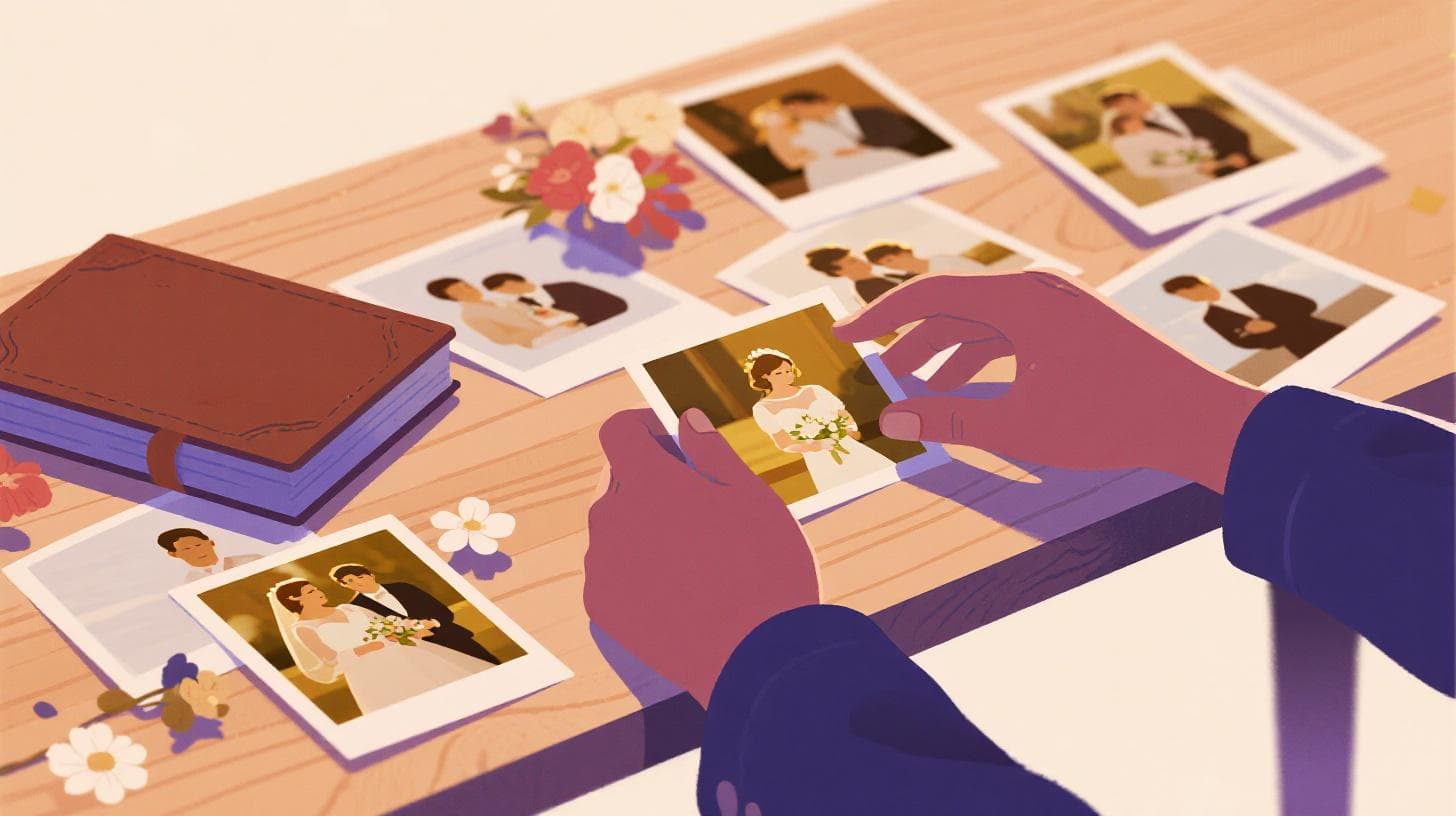
How to Choose the Best Wedding Album Photos From Thousands
Your wedding photographer just delivered 3,000 photos. You opened the folder, scrolled for about forty-five seconds, and felt your chest tighten. Every shot looks beautiful, or at least most of them do, and your album only holds 80 to 120 images. Where do you even start?
You're not alone in this feeling. Research from the American Psychological Association shows that having too many options doesn't empower us. It paralyzes us. When every photo carries emotional weight, the stakes feel impossibly high, and the sheer volume makes rational decision-making almost impossible. Couples regularly spend 20, 30, even 40 hours agonizing over selections, only to second-guess themselves the moment they submit their final picks.
The good news? You don't have to white-knuckle your way through this. With a clear framework, a few smart elimination passes, and the right tools, you can cut thousands of photos down to a stunning wedding album in a fraction of the time. Tools like Photopicker use AI to score, rank, and group your photos automatically, turning what used to be an overwhelming marathon into a focused, even enjoyable, process.
Let's walk through exactly how to do it.
Start With Ruthless Elimination, Not Careful Selection
Most couples make the same mistake: they open their photo gallery and try to pick their favorites. That sounds logical, but it's backwards. When you're staring at 3,000 images, your brain can't meaningfully compare that many options. Instead of choosing what to keep, start by removing what's clearly not going to make the cut. This flips the psychology of the task entirely. Saying "no" to an obviously blurry photo is effortless. Saying "yes" to one of fifteen nearly identical ceremony shots is agonizing.
Pass One: Remove the Technical Failures
Your first sweep should take no more than 30 to 45 minutes, and it should be fast and merciless. You're looking for photos that fail on a purely technical level. Blurry shots where the autofocus missed. Frames where someone blinked or made an unflattering expression. Test shots the photographer fired while adjusting settings. Awkward in-between moments where the composition simply doesn't work.
Don't overthink this pass. If a photo is clearly flawed, flag it and move on. You're not making artistic judgments yet. You're just clearing away the noise so the real contenders can breathe.
For most wedding photo sets, this first pass alone removes 30 to 40 percent of the total. A 3,000-photo set often drops to around 1,800 after this sweep. Already, the task feels more manageable.
Pass Two: Collapse the Duplicates
Wedding photographers shoot in bursts. Your first kiss might have twelve nearly identical frames. The bouquet toss could have twenty. Each table during the reception might have three or four attempts at the same group shot.
This is where most couples lose the most time. Flipping back and forth between two almost-identical images, zooming in on tiny differences, asking your partner "this one or that one?" for the hundredth time. It's exhausting, and honestly, the differences between those frames are often so subtle that neither choice is wrong.
The fastest way to handle duplicates is to group them and then pick one representative from each group. If you're doing this manually, create folders or use your photo app's album feature to cluster similar shots. Compare only within each cluster, pick the strongest frame, and move on.
Or you can skip the manual grouping entirely. Photopicker uses perceptual hash technology to automatically detect near-duplicate photos, cluster them together, and select the best version from each group based on sharpness, composition, and exposure. Instead of spending three hours comparing similar shots pixel by pixel, the duplicate detection handles it in minutes.
After collapsing duplicates, your 1,800 remaining photos will typically shrink to 600 to 900 unique moments. Now you're working with a set that's genuinely reviewable.
Pass Three: Cut the "Nice But Not Essential" Shots
Your third elimination pass is where things get slightly harder, but having a clear principle helps: if a photo doesn't either tell a story or make you feel something, it probably doesn't belong in your album. That perfectly lit detail shot of the table centerpiece? Beautiful. But does it make you catch your breath the way that candid of your grandmother wiping away a tear does?
During this pass, you're looking for photos that are technically fine but emotionally flat. Shots where nothing particularly interesting is happening. Repetitive angles of the same scene when you already have a stronger version. Photos of people you don't immediately recognize without context.
Be honest with yourself here. A wedding album is a narrative, not a documentary. You don't need complete coverage of every single moment. You need the moments that matter most, captured at their best.
Build Your Album Around Story, Not Just Beauty
Once you've eliminated the clear "no" photos, you'll have a pool of strong contenders. Now the selection process shifts from elimination to curation. And the most effective framework for curation is narrative structure. Your wedding album should tell the story of your day, with a beginning, middle, and emotional crescendo.
Map Out the Chapters of Your Day
Before you start choosing individual photos, sketch out the major chapters of your wedding. A typical structure looks something like this:
Getting ready: The anticipation, the details, the quiet moments before everything begins
First look or pre-ceremony: The emotional pivot point as the day shifts from preparation to celebration
The ceremony: Vows, rings, the kiss, the officiant, the reactions of your guests
Portraits: Couple portraits, wedding party, family formals
The reception: Entrance, first dance, toasts, dinner, cake cutting, party moments
The send-off or late-night moments: The final emotional beat of the story
Write these chapters down. Then, allocate a rough number of photos to each based on how important that part of the day feels to you. For most couples, the ceremony and reception get the largest share, with getting-ready and portraits as supporting sections.
This chapter framework gives you guardrails. Instead of trying to pick 100 photos from a pool of 700, you're picking 15 getting-ready photos, 20 ceremony photos, 12 portraits, and so on. Each individual decision becomes much simpler because the scope is smaller.
Balance Emotion, Detail, and Context
Within each chapter, aim for a mix of three types of shots:
Wide establishing shots that set the scene and show the environment. These give your album a sense of place. The venue from the outside. The aisle before guests arrive. The reception hall in full swing.
Medium shots that capture interactions and moments. Your dad helping with your tie. Your bridesmaids laughing together. Guests clinking glasses during a toast.
Close-up details that add texture and intimacy. The rings on a velvet box. Handwritten vows. The lace pattern on a dress.
If every photo in a section is the same type, the album will feel monotonous. The interplay between wide, medium, and close creates visual rhythm, the same way a movie alternates between panoramic shots and tight close-ups to keep you engaged.
Trust the Numbers When Emotion Gets in the Way
Here's where things get real: when you're emotionally attached to your photos, objectivity goes out the window. You might gravitate toward a slightly blurry candid because you remember how that moment felt, while overlooking a technically perfect shot that you don't have the same memory attached to. Both reactions are valid, but your album needs a balance of emotional resonance and visual quality.
This is where AI scoring becomes genuinely useful. When Photopicker analyzes your photos, it evaluates each one across multiple dimensions: image quality, aesthetic appeal, composition, sharpness, and exposure. It then assigns a composite score and sorts your photos into tiers, with your strongest images ranked at the top. If you're curious about what goes into those scores, this breakdown of AI photo quality scoring explains exactly what the AI is measuring and why.
You don't have to follow the AI rankings blindly. But having an objective quality signal alongside your emotional instincts creates a much stronger selection process. When you're torn between two similar shots, seeing that one scores significantly higher on sharpness and composition can break the tie instantly.
Navigate the Hardest Decisions Without Losing Your Mind
Even with a solid framework, certain decisions will feel impossible. The moments that carry the most emotional weight, your vows, your first dance, the speeches, tend to have the most photos and the hardest choices. Here's how to handle the toughest calls.
Use the "Would I Print This?" Test
For every photo you're on the fence about, ask yourself: "Would I frame this and hang it on my wall?" Not "is this a nice photo" or "do I like this moment," but would you actually commit wall space to it? This test cuts through sentimentality fast. You might love the memory of your uncle's terrible dance moves, but would you frame a blurry, poorly lit photo of it? Probably not. That moment might live better in a slideshow or digital gallery than in your curated album.
Don't Let Other People Drive Your Choices
Parents, in-laws, and friends will have opinions. Your mother will want more family group shots. Your partner's father will ask why his side of the family didn't get as many pages. Your maid of honor will lobby for more bridal party photos.
Listen politely, and then remember: this is your album. You'll be the ones looking at it for decades. Accommodate a few requests if they're reasonable, but don't let external pressure reshape your story. A good compromise is to include a few extra family formals in the album while keeping the overall narrative yours.
When You're Stuck Between Two Photos, Choose the One With More Energy
This is a simple tiebreaker that works surprisingly well. When two photos show the same moment at nearly the same quality level, pick the one with more movement, more emotion, or more visual energy. The shot where your partner is mid-laugh rather than smiling politely. The first dance photo where your dress is mid-twirl rather than static. The toast photo where guests are reacting rather than just listening.
Static perfection looks great in portraits, but wedding albums thrive on energy and authenticity. If you want a deeper dive into the psychology of choosing between similar photos, this guide on beating decision paralysis covers the mental frameworks that make those calls easier.
Set a Time Limit and Stick to It
Decision fatigue is real, and it gets worse the longer you work. After two hours of comparing photos, your judgment deteriorates significantly. Every photo starts to look the same, and you begin making worse choices, not better ones.
Give yourself a total time budget for the entire selection process. For most couples, 4 to 6 hours spread across two or three sessions is plenty. Do your elimination passes in one session. Let it sit for a day. Then come back with fresh eyes for the curation phase. You'll be surprised how many decisions that felt agonizing yesterday become obvious today.
Put It All Together With a Final Review
You've done your elimination passes. You've built a narrative structure. You've made the hard calls on individual photos. Now it's time for one final review before you lock in your selections.
Review Your Album as a Sequence, Not Individual Photos
Open your selected photos and view them in chronological order as a continuous sequence. You're looking for pacing problems: too many similar shots clustered together, gaps in the story where important moments are missing, or sections that feel too heavy or too light compared to their emotional importance.
As you review the sequence, ask yourself:
Does the album have a clear beginning, middle, and end?
Are there enough variety in shot types (wide, medium, close-up) within each section?
Do the emotions build naturally through the story?
Are the most important people in your life represented?
Is there at least one "wow" photo that could be a full-page spread?
If something feels off in the flow, swap individual photos rather than adding more. The goal is a tight, intentional collection, not a comprehensive archive.
Get a Second Opinion (But Only One)
Show your near-final selection to exactly one trusted person, ideally someone who was at the wedding but isn't too emotionally invested in any particular photo. Ask them to flag anything that feels like it's missing or anything that feels out of place. A fresh pair of eyes will catch blind spots you've developed after hours of staring at the same images.
Don't show the selection to five different people. You'll get five different sets of contradictory feedback and end up more confused than when you started.
Save Your "Almost Made It" Photos Separately
Create a secondary folder of your runner-up photos, the shots that were genuinely strong but didn't make the final album cut. These are perfect for thank-you cards, anniversary gifts, social media posts, or a future "extended edition" of your album. Knowing they're saved and accessible makes it much easier to let them go from the primary selection.
Choosing wedding album photos doesn't have to consume your weekends for months. With a systematic elimination approach, a narrative framework for curation, and objective quality signals to break ties, you can transform thousands of overwhelming options into a beautiful, cohesive story of your day.
If you want to skip the most time-consuming parts of this process, upload your wedding photos to Photopicker and let AI handle the duplicate detection, quality scoring, and ranking. You'll get your photos sorted into tiers with your strongest shots surfaced to the top, so you can focus on the fun part: choosing the moments that mean the most to you. Check out the Starter and Pro plans to download your ranked selections as a ready-to-go curated set.