

July 6, 2026
How to Cull Wedding Photos Faster with AI Selection Tools
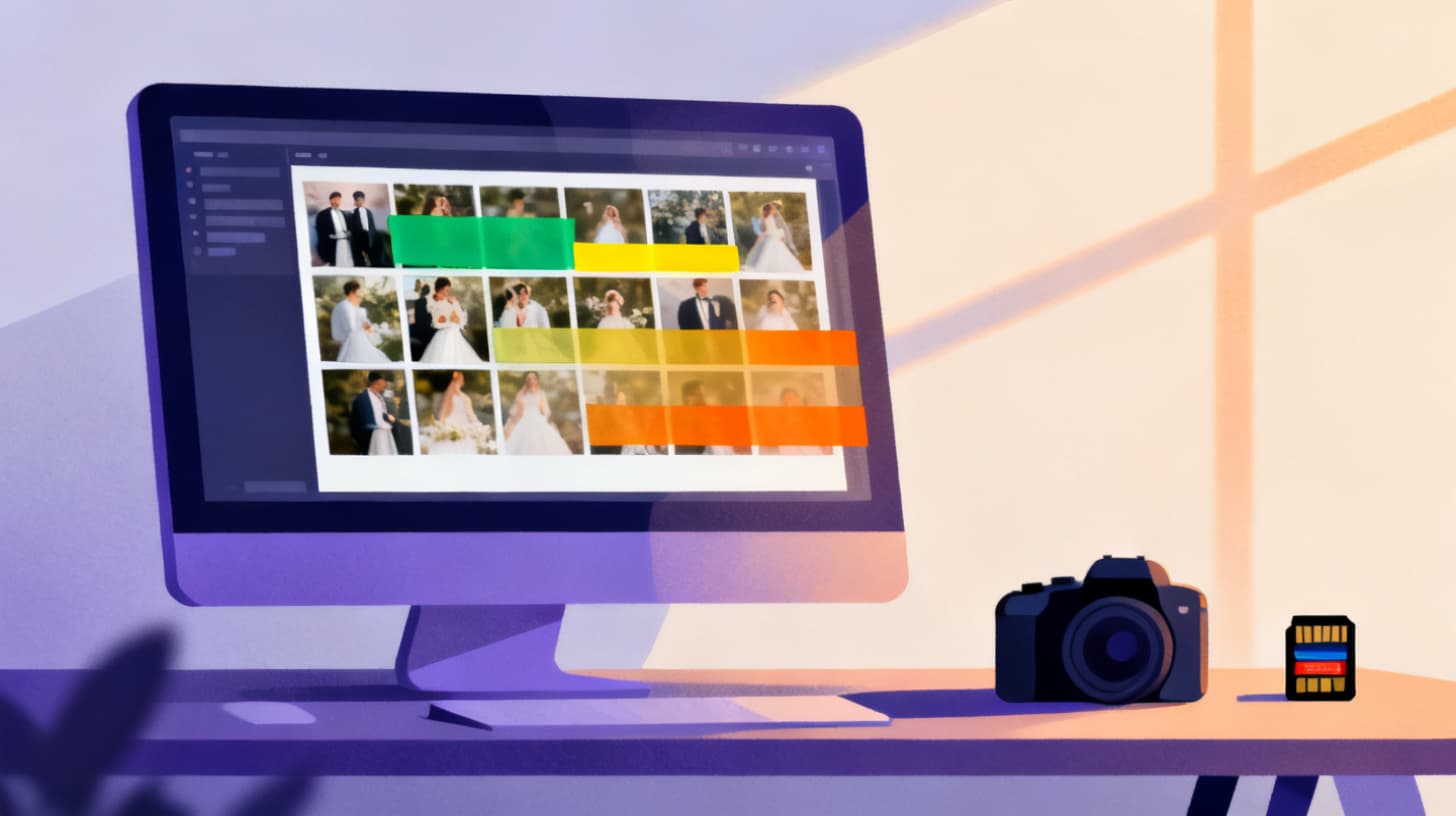
You just shot a wedding. The ceremony was beautiful, the reception was electric, and your camera captured thousands of moments across eight or more hours. Now you're sitting at your desk, staring at 3,000 raw images, knowing you need to deliver 400 to 600 polished photos to your client within two weeks.
This is where most wedding photographers hit a wall. The creative high of shooting gives way to the exhausting grind of culling, and suddenly that passion project feels like data entry. But here's what's changing the game: AI photo selection tools can now analyze composition, sharpness, exposure, and overall quality to help you identify your best shots in a fraction of the time.
If you've been spending four to six hours manually culling a single wedding, AI-powered tools like Photopicker can compress that process dramatically. Let's break down exactly how to integrate AI selection into your wedding photography workflow and reclaim those hours for editing, marketing, or simply living your life.
Why Traditional Wedding Photo Culling Takes So Long
Before we talk solutions, it helps to understand why culling is such a bottleneck. Wedding photographers aren't just choosing "good" photos from "bad" ones. They're making dozens of micro-decisions per image, and they're making those decisions thousands of times in a row.
Consider what happens during a typical culling session. You're evaluating whether eyes are open, whether the composition flatters the subjects, whether the focus hit the right spot, whether a candid moment tells a story. You're also comparing similar shots against each other. That sequence of the first dance? You shot 47 frames. You need three. Maybe five. Now multiply that kind of decision across every moment of the day.
The mental fatigue is real. After the first hour, your decision-making quality drops. Research on cognitive load consistently shows that repetitive evaluation tasks degrade accuracy over time. By hour three, you're second-guessing picks you made in hour one. By hour four, you're just trying to finish.
There's also the emotional component. Wedding photographers care deeply about their work. Every "maybe" photo triggers an internal debate. What if the client loves that slightly soft shot of grandma? What if you cut a reception moment that would have made the album? This emotional investment means culling takes longer than it technically should.
And the math isn't getting better. According to the Bureau of Labor Statistics , photography remains a competitive field where efficiency directly impacts profitability. If you're spending 20+ hours per week on post-production tasks for just a few weddings, your effective hourly rate drops significantly. The photographers who thrive are the ones who find ways to work smarter on the repetitive tasks so they can invest more energy in the creative ones.
Here's the uncomfortable truth: much of what makes culling slow isn't creative judgment. It's technical evaluation. Is this image sharp? Is the exposure correct? Is there a duplicate that's slightly better? These are exactly the kinds of assessments that AI excels at, and that your tired eyes struggle with after hour two.
The Real Cost of Slow Culling
Let's put numbers to it. If you shoot 30 weddings per year and spend five hours culling each one, that's 150 hours annually on culling alone. At even a modest rate of $75 per hour for your time, that's $11,250 worth of labor spent on a task that doesn't directly generate revenue. Cut that time in half and you've freed up 75 hours for shooting another five to seven weddings, building your portfolio, or simply avoiding burnout.
How AI Photo Selection Actually Works for Wedding Photography
AI photo selection isn't magic, and understanding what it does (and doesn't do) helps you use it effectively. Modern AI scoring tools analyze images across multiple technical and aesthetic dimensions, then produce rankings that help you focus your human judgment where it matters most.
Here's how the scoring process typically works : the AI evaluates each image across categories like quality, aesthetic appeal, composition, sharpness, and exposure. Each dimension gets a score, and those scores combine into a composite ranking. The tool then groups your photos into tiers, separating the clear winners from the decent shots from the technically flawed ones.
For wedding photography, this means the AI can quickly identify and surface images where focus is tack-sharp on the subject's eyes, where composition follows pleasing principles, where exposure preserves detail in both highlights and shadows. It can also flag the obvious rejects: the misfires, the accidental shutter presses, the shots where someone blinked or the autofocus grabbed the wrong target.
What AI Does Well in Wedding Culling
Technical evaluation at scale. The AI doesn't get tired. Image 2,847 gets the same careful analysis as image 1. This consistency is something human cullers simply can't maintain across thousands of photos.
Duplicate detection and grouping. Shot 15 nearly identical frames of the couple's first look? AI tools using perceptual hashing can group those duplicates together and identify which frame has the best technical quality. Instead of flipping through 15 images, you're reviewing the top two or three candidates.
Speed without sacrifice. What takes you hours, AI processes in minutes. This isn't about replacing your creative eye. It's about letting the algorithm handle the mechanical sorting so you can spend your limited attention on the creative decisions that actually require a human photographer's judgment.
What Still Needs Your Human Eye
AI can't fully understand emotional weight. That slightly soft image of the father seeing his daughter in her dress for the first time? The algorithm might rank it lower due to technical imperfection, but you know it belongs in the final gallery because of what it captures emotionally. AI gives you a starting point. Your expertise provides the final curation.
The best workflow isn't AI or human. It's AI then human. Let the tool do the heavy lifting of technical sorting, then apply your creative judgment to the top tier.
A Step-by-Step Workflow for AI-Assisted Wedding Culling
Here's a practical workflow you can implement immediately. This approach typically reduces culling time by 60 to 80 percent while maintaining (or improving) the quality of your final selections.
Step 1: Upload Your Full Take
After importing your images from cards, upload your complete wedding set to an AI selection tool. Don't pre-cull first. The whole point is letting the AI handle that initial pass. With tools that support up to 10GB or 500 photos per batch, you may need to split a large wedding into logical segments: ceremony, portraits, reception. This actually helps you maintain a mental model of the day's narrative.
Step 2: Review the AI Tier Rankings
Once processing completes, you'll see your photos organized into quality tiers. The top tier (typically your top 10 to 30 percent) contains images the AI identified as technically excellent across all scoring dimensions. The middle tiers contain solid shots that may need one more look. The bottom tier contains the clear rejects.
Start your review from the top tier. These are your likely keepers. You're no longer searching for needles in a haystack. You're confirming that the needles the AI found are actually the ones you want.
Step 3: Quick-Scan the Middle Tier for Emotional Moments
This is where your expertise matters most. Scan the middle-tier images for moments that carry emotional significance despite lower technical scores. The candid laugh that's slightly motion-blurred. The wide shot of the venue that's compositionally unconventional but sets the scene perfectly. Move these up to your keeper pile based on storytelling value.
Step 4: Skip the Bottom Tier (Mostly)
Here's where you save the most time. The bottom tier contains images the AI scored poorly across multiple dimensions. Instead of reviewing all of them individually, do a quick scroll-through. If nothing jumps out, trust the technical scoring and move on. This single step can eliminate an hour or more from your culling session.
Step 5: Fine-Tune Within Duplicate Clusters
For sequences where you shot many frames of the same moment, the AI's duplicate detection groups these together and identifies the technically strongest option. Review these clusters and either accept the AI's pick or swap in an alternative based on expression or body language. This is faster than flipping through 15 variations of every pose.
Putting It All Together
A photographer who previously spent five hours culling 3,000 wedding images can often complete the same task in 60 to 90 minutes using this workflow. The key insight is that you're not outsourcing your creative decisions. You're eliminating the hours spent on mechanical technical evaluation so your creative energy goes further.
For photographers looking to try this approach, Photopicker's pricing plans offer options for processing large wedding sets, with the ability to handle batches up to 10GB. This makes it practical to process full wedding days without splitting files across multiple sessions.
Building AI Culling Into Your Long-Term Photography Business
Adopting AI selection tools isn't just about saving time on any single wedding. It's about fundamentally restructuring your business around efficiency so you can shoot more, deliver faster, and maintain creative energy across a full season.
Faster Turnaround Wins Client Trust
Wedding clients consistently rate delivery speed as one of their top priorities after photo quality. When you can deliver a curated preview gallery within days instead of weeks, you create a client experience that generates referrals. AI culling makes fast turnaround sustainable because you're not sacrificing sleep or quality to meet tight deadlines.
Consider building AI culling into your timeline promise. If you currently quote four weeks for delivery, test whether AI-assisted culling lets you reliably deliver in two. That faster timeline becomes a competitive advantage you can highlight in client meetings.
Protect Yourself from Burnout
Photographer burnout is real, and it disproportionately hits during busy seasons when you're shooting back-to-back weekends. The culling backlog compounds. Three unculled weddings becomes five, then eight. The stress of falling behind erodes the joy that drew you to photography in the first place.
AI tools break that cycle by preventing the backlog from forming. When culling takes 90 minutes instead of five hours, you can process each wedding within days of shooting it. No more dreading the growing folder of unprocessed work.
Scale Without Hiring
Many successful wedding photographers eventually face a scaling decision: hire an assistant or second shooter to handle more bookings, or stay solo and cap your revenue. AI culling offers a third path. By automating the most time-intensive post-production task, you effectively add capacity without adding payroll. You can take on those extra five to eight weddings per season because the bottleneck isn't in your workflow anymore.
This approach also maintains consistency. When you cull your own work (even with AI assistance), your personal style and standards stay intact. There's no training period, no quality drift, no communication overhead of managing another person's judgment.
Make It a Habit, Not a One-Off
The photographers who get the most value from AI culling are the ones who build it into their standard workflow for every single wedding. Create a post-shoot checklist: import cards, backup files, upload to AI tool, review results, export keepers. When it's habitual, the efficiency gains compound over time as you get faster at each step.
You can explore how AI scoring and ranking works for your specific shooting style by trying Photopicker with a sample batch . Upload a set of wedding photos, see how the tiered results compare to your own selections, and decide whether the AI's taste aligns with yours. Most photographers find that after one or two test runs, they trust the technical scoring completely and only override on emotional or narrative grounds.
For deeper strategies on reducing culling time for large weddings, check out this guide on culling 2,000 wedding photos in 15 minutes for additional tips on optimizing batch processing.
The bottom line? AI photo selection tools don't replace your creative vision. They amplify it by removing the tedious mechanical evaluation that drains your energy. The result is better final galleries, happier clients, faster delivery, and a photography business that feels sustainable for the long haul. Your next wedding is already on the calendar. The question is whether you'll spend five hours culling it or one.