How to Pick the Best Event and Conference Photos Using AI
Your event photographer just delivered 3,000 photos from last week's conference. Your marketing team needs 20 for the recap blog, 5 for social media, and 1 hero shot for the email newsletter. You open the folder, start scrolling, and immediately feel the weight of what lies ahead: hours of squinting at nearly identical shots, trying to figure out which keynote photo has the sharpest focus, which networking moment looks the most authentic, and which crowd shot actually conveys energy instead of chaos.
This is the reality for marketing teams after every corporate event, trade show, product launch, or industry conference. The photography itself is the easy part. The hard part is selecting the best images from thousands of options, and doing it fast enough that the content is still relevant when it goes live.
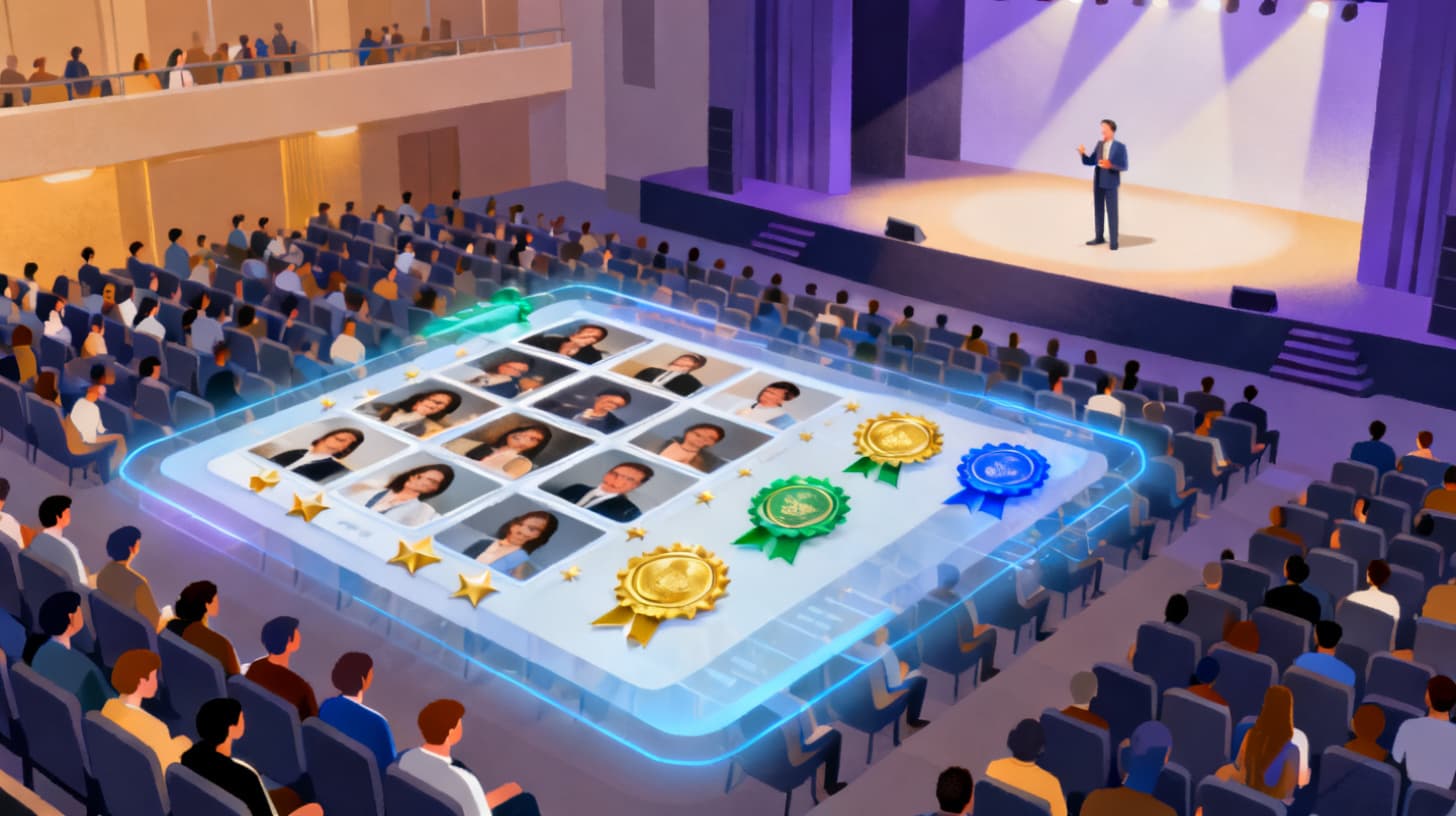
AI photo selection tools like Photopicker are changing how marketing teams handle this process. Instead of spending a full day (or more) manually reviewing every image, you can upload your entire event gallery, let AI score each photo across multiple quality dimensions, and walk away with a ranked shortlist of your strongest images in minutes. But knowing the tool exists is one thing. Knowing how to use it strategically for event and conference photos is another.
Let's break down exactly how to do this well.
Why Event Photo Selection Is Uniquely Challenging for Marketing Teams
Event photography creates a specific kind of selection headache that's different from other photo projects. Understanding why helps you build a better workflow.
First, there's the sheer volume. A single photographer at a half-day conference can easily shoot 1,500 to 3,000 images. Multi-day events with multiple photographers? You could be looking at 10,000 or more. According to the Content Marketing Institute , visual content is among the most effective types of marketing assets, which means the pressure to get these photos right is real. Your event photos will appear in blog posts, social feeds, sales decks, partner communications, and annual reports for months to come.
Second, event photos are full of near-duplicates. Photographers use burst mode during keynotes, panel discussions, and networking moments. You might have 15 shots of the same speaker at the podium, each slightly different in expression, hand gesture, or audience reaction. The differences between a good shot and a great shot are subtle, and they're easy to miss when you're fatigued from reviewing hundreds of similar images.
Third, there's the time pressure. Event content has a short shelf life for maximum impact. The best time to publish a conference recap is within 48 hours of the event ending. Social media posts about the event should go live the same day or the next morning. If your team spends two days just selecting photos, you've already missed the window.
Fourth, the selection criteria are surprisingly complex. A technically sharp photo isn't automatically a good marketing photo. You need images that are well-composed, well-exposed, emotionally engaging, and aligned with your brand narrative. The best conference photo might not be the sharpest one. It might be the one where the audience is leaning forward, engaged, with great natural lighting and a clean background. Evaluating all these dimensions simultaneously across thousands of images is cognitively exhausting.
Finally, most marketing teams don't have trained photo editors on staff. The person selecting the photos is often a content marketer, event coordinator, or social media manager who knows what looks "good" but doesn't have a formal framework for evaluating image quality. This leads to inconsistent selections, second-guessing, and committee reviews that slow everything down even further.
All of these factors make event photo selection a perfect candidate for AI assistance. Not because AI replaces human judgment, but because it handles the heavy lifting of technical evaluation so your team can focus on the creative and strategic decisions that actually require a human eye.
A Step-by-Step Workflow for AI-Powered Event Photo Selection
Here's the practical workflow that marketing teams can follow to go from a massive photo dump to a polished, publish-ready selection in a fraction of the usual time.
Step 1: Organize Before You Upload
Before you touch any AI tool, spend 10 minutes organizing your raw files. If your photographer delivered photos in a single folder, consider sorting them into basic categories: keynote sessions, breakout sessions, networking and social moments, expo floor and booths, venue and setup shots, and candid attendee photos. This doesn't need to be perfect. Even rough grouping helps because you'll likely need different photos for different purposes, and processing them in batches lets you evaluate apples against apples.
If your photographer already organized the delivery by time or session, even better. You can upload each segment separately and get ranked results within each category.
Step 2: Upload and Let AI Do the Technical Scoring
Upload your first batch to Photopicker . The platform accepts up to 500 photos per job (or 10GB), which is enough to cover most single-session or single-day shoots. For larger events, run multiple jobs by category.
Once uploaded, the AI evaluates every image across five key dimensions: image quality, aesthetic appeal, composition, sharpness, and exposure. Each photo receives a composite score that weights these factors (30% quality, 25% aesthetic, 20% composition, 15% sharpness, 10% exposure). The system also runs perceptual hash duplicate detection, automatically clustering near-identical shots and selecting the best version from each group.
This is where the real time savings happen. Instead of you manually comparing 15 burst-mode shots of the same keynote moment, the AI identifies the cluster of duplicates and surfaces the winner. Your 3,000-photo gallery might shrink to 800 unique moments, already ranked by quality.
Step 3: Review the Tiered Results Strategically
Photopicker sorts your results into tiers: S-tier (top 10%, scores of 80+), A-tier (top 30%, scores 60+), B-tier (top 60%, scores 40+), and Pass (everything else). For event marketing, here's how to use each tier:
S-tier photos are your hero shots. These go on the blog header, the email newsletter banner, the LinkedIn carousel cover, and the press release. They're technically excellent and visually compelling. For a typical conference shoot, expect 5 to 15 S-tier images out of every 500 uploaded.
A-tier photos are your workhorses. They're strong images that fill out blog posts, social media galleries, and internal recaps. You'll find most of your usable content here.
B-tier photos are situational. Some might work for internal documentation, attendee follow-up emails, or social stories where lower resolution is acceptable. Don't dismiss them entirely, but don't lead with them.
Pass-tier photos are the ones you skip. Blurry crowd shots, accidental shutter fires, poorly exposed hallway candids. The AI has done you a favor by pushing these to the bottom.
Step 4: Apply Human Judgment to the AI Shortlist
This is where your marketing expertise takes over. The AI has narrowed 3,000 photos down to maybe 50 to 100 strong contenders. Now you're making creative decisions that no algorithm can make for you: Does this photo tell the story we want to tell? Does it represent our brand's diversity and values? Is this speaker going to approve this image of themselves? Does this networking shot feel authentic or staged?
Work through your S-tier and A-tier images with your specific content needs in mind. Pull 20 for the blog, 5 for social, 1 for the newsletter hero. This review should take 30 to 45 minutes instead of the 4 to 6 hours it would take without pre-scoring.
You can also click into individual photos to see the score breakdown. If a photo scored high on composition and aesthetic but lower on sharpness, that context helps you decide whether it works for a full-width blog image (where sharpness matters more) versus a small social media thumbnail (where it matters less).
Choosing Event Photos That Actually Drive Marketing Results
Scoring photos by technical quality is only half the equation. The best event photo for marketing isn't always the most technically perfect one. It's the one that makes someone who wasn't there wish they had been.
Here's what to prioritize when making your final selections from the AI-ranked shortlist.
Emotion over perfection. A slightly less sharp photo of an audience genuinely laughing beats a perfectly exposed photo of people politely sitting in chairs. Look for authentic reactions: speakers mid-gesture, attendees leaning in during conversations, spontaneous high-fives at the booth. AI scoring gives you a quality baseline, but your eye should gravitate toward the images with real human energy.
Variety of content types. Your marketing channels need different things. Keynote wide shots for the blog recap. Tight crops of engaged faces for LinkedIn. Booth detail shots for sales follow-up emails. Venue establishing shots for next year's event promotion page. Make sure your final selection covers all these bases. A common mistake is picking 20 photos that are all similar keynote shots because those scored highest, when what you really need is a diverse set.
Background and context clues. The best event photos include visual context that grounds the viewer. A branded banner in the background, a packed room visible behind the speaker, event badges and lanyards that signal professionalism. These details turn a generic photo of someone talking into a photo that clearly communicates "this was a significant industry event."
Representation matters. Review your final selection as a complete set. Does it reflect the actual diversity of your attendees? Are you showing a range of roles, activities, and interactions? A photo set that only features speakers on stage misses the opportunity to show the community aspect of your event, which is often the most compelling selling point for future attendees.
Think about text overlay space. If you're creating social media graphics, email headers, or ad creatives from these photos, you need images with visual breathing room. Photos where the subject is off-center with clean space on one side are far more useful than tightly cropped portraits. When reviewing your AI-ranked results, keep an eye out for compositions that leave room for headlines or calls-to-action.
The workflow of using AI to score and rank your photos combined with strategic human selection creates a process that's both faster and produces better results than either approach alone. The AI eliminates the technical duds and surfaces the strongest candidates. Your marketing judgment shapes those candidates into a story.
For teams that regularly handle other visual selection challenges, the same principles apply whether you're choosing the best listing photos for a property or selecting images for any high-stakes marketing asset.
Building a Repeatable Event Photo Workflow Your Team Can Scale
The real value of AI-assisted photo selection isn't just saving time on one event. It's creating a repeatable process that makes every future event easier.
Start by documenting your workflow. Write down the steps: how photos are received from the photographer, how they're organized, how they're uploaded for AI scoring, how the tiered results are reviewed, and who makes the final selections. This turns an ad-hoc scramble into a reliable process that any team member can execute.
Create a selection brief template for each event. Before the event even happens, define what you need: 1 hero image (wide, high-energy, suitable for email header), 10 to 15 blog photos (mix of keynote, networking, and venue), 5 social media photos (emotional, vertical-friendly, text overlay space), and 3 to 5 internal documentation photos (setup, team shots, behind the scenes). When you sit down to review AI-ranked results, this brief keeps you focused instead of browsing aimlessly.
Set a time limit for human review. After the AI narrows your options, give yourself 45 minutes maximum for final selection. This prevents the common trap of endlessly second-guessing choices. If the AI says a photo is S-tier and you think it works, trust the combination of algorithmic scoring and your instinct. Move on.
Track what performs. After publishing, note which event photos got the most engagement on social media, the most clicks in emails, or the most positive feedback from attendees and stakeholders. Over time, you'll develop a clearer sense of what "good" looks like for your specific audience, which makes future selections even faster.
Finally, communicate the process to your photographers. When photographers know you're using AI scoring that evaluates sharpness, composition, exposure, and aesthetics, they can adjust their shooting approach. They might spend less time on safe, technically perfect shots and more time capturing authentic moments, knowing the AI will handle technical quality assessment and surface the best options regardless.
The marketing teams that get the most from their event photography aren't the ones with the biggest budgets or the most expensive photographers. They're the ones with a selection process that's fast, consistent, and grounded in both data and creative intent.
Ready to transform how your team handles event photos? Upload your next event gallery to Photopicker and see your best shots ranked and ready in minutes instead of hours. Your conference recap will thank you.