How to Pick the Best Photos for Your Vacation Rental Listing
Your listing photos are doing more work than you think. Before a guest reads your description, checks your amenities, or even looks at the price, they've already made a snap judgment based on the first image they see. A single blurry shot of your kitchen can cost you bookings. A well-chosen hero photo of your sunlit living room can fill your calendar for the season.
The challenge isn't taking enough photos. Most hosts snap dozens, sometimes hundreds, of shots during a single staging session. The real challenge is choosing which ones actually deserve a spot on your listing. Which angle of the bedroom looks most inviting? Which of the seven nearly identical pool shots is the sharpest? Which exterior photo captures the curb appeal without the neighbor's trash cans?
If you've ever spent hours agonizing over photo selection, you're not alone. This guide breaks down exactly how to evaluate, sort, and select the strongest photos for your Airbnb or vacation rental listing, so every image earns its place and every guest sees your property at its absolute best. And if you want to skip the guesswork entirely, tools like PhotoPicker use AI to score and rank your property photos automatically, surfacing the strongest shots in seconds.
What Makes a Vacation Rental Photo Actually Work
Not all good photos are good listing photos. You might have a beautifully composed shot of your garden that would look great on Instagram but tells a potential guest nothing about the space they'd be sleeping in. Understanding the difference between a "nice photo" and an "effective listing photo" is the first step toward better selection.
Research from the Cornell Center for Hospitality Research consistently shows that visual content has an outsized impact on booking decisions for short-term rentals and hotels. Guests process images faster than text, and their first impressions from photos often determine whether they'll even read the rest of your listing.
So what separates a photo that drives bookings from one that gets scrolled past?
Technical Quality Is Non-Negotiable
Sharpness, exposure, and color balance form the foundation. A slightly out-of-focus photo might look fine on your phone screen, but when a guest views it on a laptop or tablet, the softness becomes obvious and reads as unprofessional. Overexposed windows that blow out to white, underexposed corners that look dingy, and color casts from mixed lighting all signal "amateur" to browsing guests.
Check each photo at full resolution before including it. Zoom in to corners and edges. If the bed pillows look soft and mushy instead of crisp, or if the bathroom tiles blur together, that photo needs to go. Your listing should feature only images where the details are clean and the lighting feels natural and inviting.
Composition Tells a Story
The best listing photos guide the eye through the space. They're shot from corners of rooms rather than dead center, which creates depth and makes rooms feel larger. They include enough context for a guest to understand the room's layout, but they're not so wide-angle that furniture looks distorted and distances feel exaggerated.
Every photo should answer a question a guest might have: "How big is the bedroom?" "Is the kitchen modern or dated?" "What's the view from the balcony?" If a photo doesn't provide useful information or an emotional hook, it probably doesn't need to be in your listing.
Aesthetic Appeal Creates Emotion
Beyond technical quality and informational value, the best photos make guests feel something. Warm, golden light streaming across hardwood floors. A perfectly made bed with plump white pillows against a calm blue wall. A patio table set for dinner with string lights glowing overhead. These moments create desire, and desire drives bookings.
When evaluating your photos, ask yourself: "Does this image make someone want to be there?" If the answer is "it's fine" or "it shows the room," that's not enough. You need photos that make guests picture themselves relaxing, cooking, laughing, or watching the sunset from your deck.
The sweet spot for most listings is 20 to 30 photos that cover every room and outdoor space with technical precision and emotional pull. Fewer than 15 and guests worry you're hiding something. More than 40 and the quality usually drops because you're including redundant or mediocre shots just to fill the gallery.
How to Sort Through Dozens of Property Photos Efficiently
You've just finished a photo session and you're staring at 150 images on your camera roll. Some are clearly terrible. Most look pretty similar. And somewhere in that pile are the 25 photos that will define your listing. Here's how to find them without losing your mind.
The Three-Pass Elimination Method
Don't try to pick your best photos in one sitting. Instead, work through your images in three distinct rounds, each with a different filter.
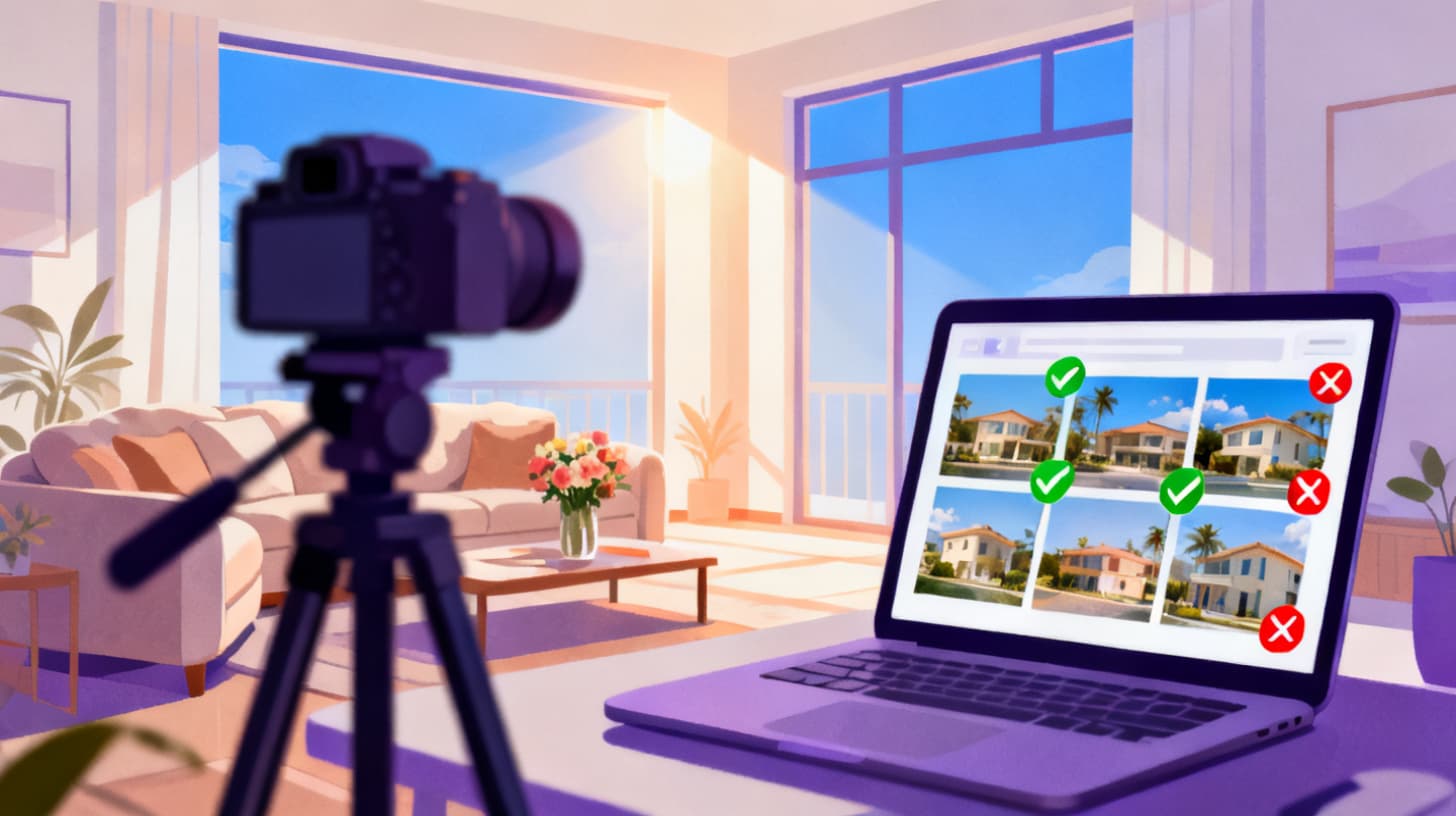
Pass one: Remove the obvious rejects. Go through every photo quickly, spending no more than two seconds on each. Delete anything that's clearly blurry, badly exposed, poorly framed, or shows staging mistakes like a visible vacuum cleaner, an unmade corner of a bed, or a toilet seat left up. This pass typically eliminates 30 to 50 percent of your shots. Don't overthink it. If you have to squint to decide, keep it and move on.
Pass two: Group by room and angle. Organize your remaining photos by location: living room, kitchen, master bedroom, bathroom, exterior, and so on. Within each group, you'll likely find clusters of very similar shots taken from the same position with minor variations in timing or slight adjustments. This is where most hosts get stuck, toggling between two kitchen photos that look 90% identical.
For each cluster of similar shots, pick the single strongest version. Compare sharpness by zooming in. Check for better natural light, straighter lines, and cleaner composition. If you took five shots of the same bedroom angle, you only need one, the best one.
This is exactly the kind of tedious comparison that AI handles better than human eyes at 11pm. A duplicate photo finder can automatically detect near-identical shots and surface the sharpest, best-exposed version of each angle, saving you the pixel-peeping comparison work.
Pass three: Curate for the listing story. Now that you have your strongest individual photos, step back and look at them as a set. Does your collection tell a complete story of the property? Walk through your listing mentally as a guest would: exterior, entryway, living area, kitchen, each bedroom, bathrooms, outdoor spaces, and any special features. Make sure you have at least one strong photo for every space, and two to three for your biggest selling points like a gourmet kitchen, a stunning view, or a luxurious master suite.
If you notice gaps, don't fill them with weak photos. Schedule a reshoot of those specific spaces instead. A missing room is better than a bad photo of that room.
Choosing Your Hero Image
Your first photo is your most important marketing asset. It's the image that appears in search results, the one guests see before they click. This photo needs to be your single best shot, period.
The ideal hero image shows your property's greatest strength: the most impressive room, the best view, or the exterior at its most appealing. It should be technically flawless, beautifully lit, and immediately communicate the vibe of your space. A bright, airy living room with a peek of ocean through the windows. A cozy cabin with warm light glowing from within at dusk. A sleek city apartment with floor-to-ceiling views.
Test your hero image by imagining it as a thumbnail in a grid of 20 other listings. Would it catch your eye? If not, try a different shot.
Common Photo Selection Mistakes That Cost You Bookings
Even experienced hosts make selection errors that quietly undermine their listings. These mistakes don't announce themselves, but they chip away at conversion rates over time.
Including Too Many Similar Shots
This is the most common mistake by far. You took a great photo of the living room from the left side, and then another great photo from the right side, and then one from the doorway, and then a close-up of the couch, and then another angle showing the TV. By the time a guest scrolls through five living room photos, they're bored and wondering if the rest of the property is worth seeing.
Limit yourself to two, maybe three photos per room unless it's a genuinely exceptional space. Show the room's best angle, then move on. Variety across spaces is more valuable than redundancy within one room.
Hosts who use AI photo selection for their property shoots find that automated scoring quickly identifies which angle of each room actually performs best across technical quality, composition, and visual appeal. Instead of guessing between five similar shots, you get a clear ranking.
Ignoring Photo Order
Most platforms let you arrange your gallery, and the order matters more than you might think. Guests typically view the first five to eight images before deciding whether to keep scrolling or click away. Front-load your strongest photos and your most important spaces.
A strong order for most listings looks like this:
Hero shot (best overall image of the property)
Living area or main gathering space
Kitchen
Master bedroom
Best outdoor space or view
Additional bedrooms
Bathrooms
Special features (hot tub, game room, workspace)
Exterior from different angle
Neighborhood or surroundings
This sequence mirrors how guests evaluate a stay: "What does the space feel like? Can I cook? Where will I sleep? What will I do outside?" Answer these questions in order and you'll hold attention through the entire gallery.
Keeping Photos That Show Problems
Hosts sometimes include photos that unintentionally highlight issues. A beautifully shot bedroom where the ceiling fan has a wobbly blade visible in the blur. A kitchen photo that clearly shows a cracked tile. An outdoor shot where the fence reveals the neighboring property's junkyard.
Examine every photo with a guest's critical eye, not a host's proud eye. You might overlook the stain on the carpet because you know you just got it cleaned, but a guest scrolling through listings will see it and wonder. If a photo raises a question or concern, either edit it out, reshoot the space, or drop the image.
Using Outdated Photos
If you've renovated the bathroom, replaced the patio furniture, or even just swapped out the bedding, update your photos. Mismatched expectations between listing photos and reality are the fastest route to negative reviews. Treat your photo set as a living document that gets refreshed whenever the property changes.
Putting It All Together with a Smarter Workflow
Selecting listing photos doesn't have to be a full-day project every time you reshoot. With the right workflow, you can go from camera roll to polished listing gallery in under an hour.
Start with a systematic shoot. Before you pick up your camera or phone, make a shot list. Walk through the property and note every space you need to capture, the angles you want, and the time of day when natural light is best for each room. Shoot with intention rather than spraying and praying.
During the shoot, take three to five variations of each planned shot. Slightly adjust your position, wait for a cloud to pass, or try a different height. This gives you options without creating an overwhelming number of images.
After the shoot, run your photos through the three-pass method described above. Or, if you'd rather let technology handle the heavy lifting, upload your entire batch to PhotoPicker and let the AI score every image across quality, sharpness, composition, exposure, and aesthetic appeal. The tool groups duplicates together, picks the winner from each cluster, and ranks everything into tiers so you can see your S-tier shots (top 10%) at a glance.
This approach is especially powerful when you have a large property with many rooms, or when you've done an extensive reshoot and need to compare new photos against your existing set. Instead of second-guessing your choices, you get an objective ranking backed by the same visual quality signals that professional photo editors evaluate manually.
Once you've selected your final set, arrange them in the strategic order outlined earlier. Upload them to your listing, preview the gallery on both mobile and desktop, and verify that your hero image looks compelling at thumbnail size.
Finally, check back on your listing performance after a few weeks. If your click-through rate from search results improves, your photo selection is working. If bookings increase, your gallery is doing its job. And if you want to experiment, try swapping your hero image and monitoring the impact. Small changes to photo selection can produce surprisingly large results.
For hosts who want to optimize further, exploring pricing for ranked photo downloads lets you export your top-scoring images in organized sets, making it easy to update listings across multiple platforms quickly. And if you'd like a deeper dive into AI-powered photo selection specifically for Airbnb hosts, check out this guide on how to pick the best Airbnb listing photos using AI .
Your photos are your listing's first impression, its storefront, its handshake. Give them the attention they deserve, and your calendar will thank you.